


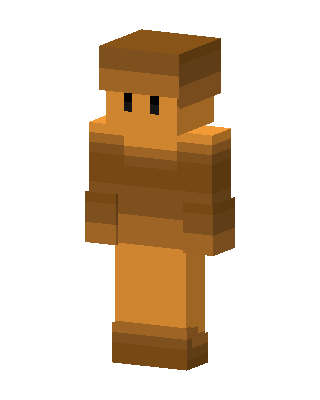
Copper Block Man
Slim arms · mostly brown · first seen Oct 2026
1 viewA blocky figure in all orange and brown copper tones with a flat brown cap, tiny black eyes, a brown torso and bare orange arms and legs.
How to use on Bedrock
- Download the skin.
- In Minecraft, open Dressing Room, then Classic skins.
- Choose Import, pick the file, then choose the slim (Alex) arms.
Similar skins
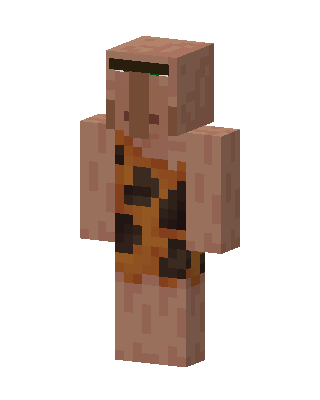 Caveman Villager42 views · Worn by 2
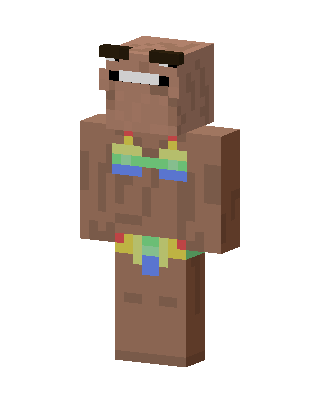 Brown Boy3 views · Worn by 1
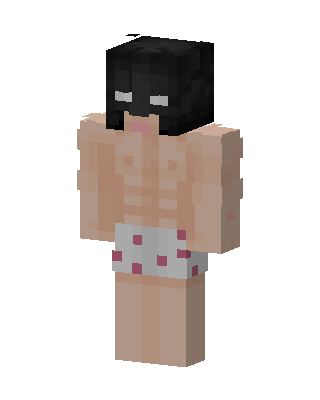 Brown Player Boy10 views · Worn by 0
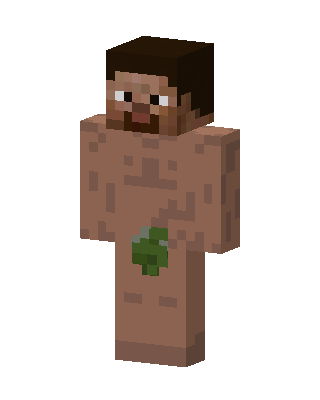 Leaf Man10 views · Worn by 0
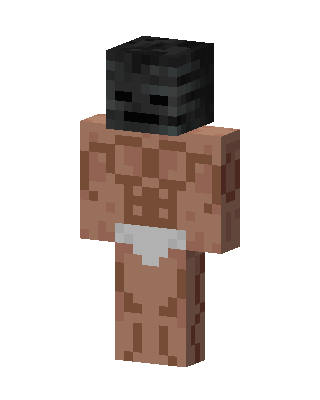 Wither Skeleton Brute5 views · Worn by 0
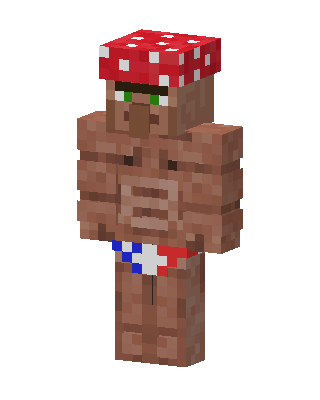 Mushroom Villager3 views · Worn by 0
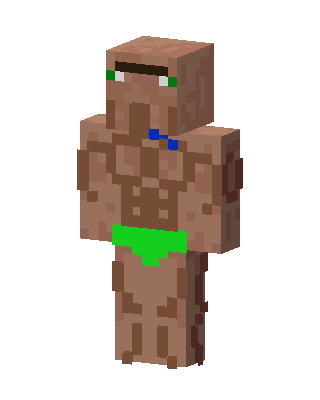 Buff Villager2 views · Worn by 0
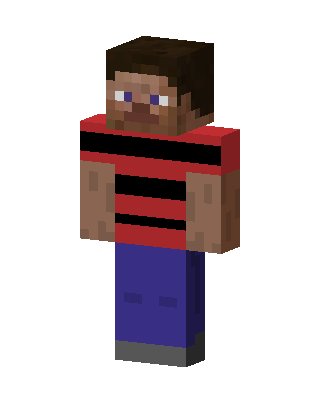 Striped Steve2 views · Worn by 0
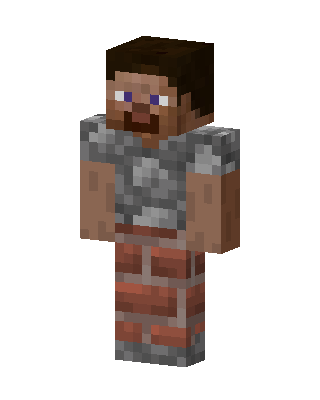 Stone Mason2 views · Worn by 0
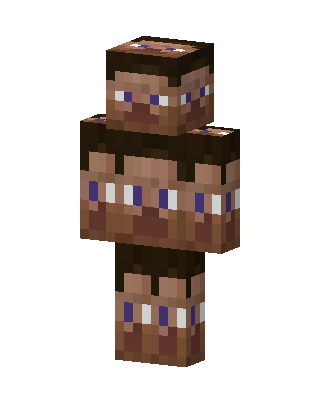 Many Faced Steve2 views · Worn by 0
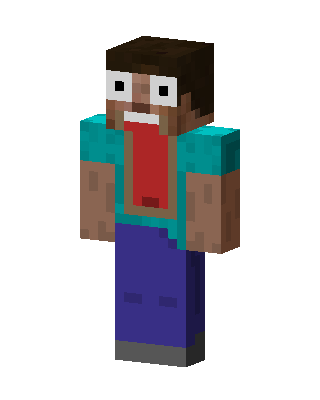 Screaming Steve2 views · Worn by 0
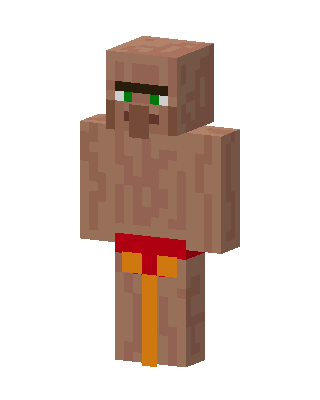 Shirtless Villager1 views · Worn by 0


