


Frost Golem
Slim arms · mostly blue · first seen Oct 2026
0 viewsA blue-gray armored figure with a smiling pale face, a hood with brown accents, striped steel-blue plating, black pants and layered boots.
How to use on Bedrock
- Download the skin.
- In Minecraft, open Dressing Room, then Classic skins.
- Choose Import, pick the file, then choose the slim (Alex) arms.
Similar skins
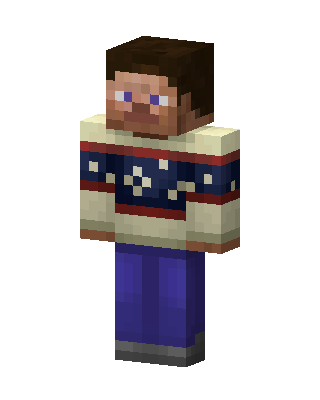 Cozy Sweater Steve143 views · Worn by 8
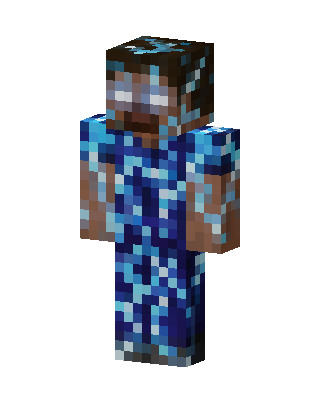 Diamond Herobrine17 views · Worn by 1
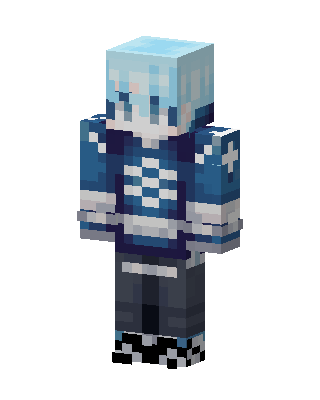 Made on BedrockBuddyFrozen Night7 views · Worn by 0
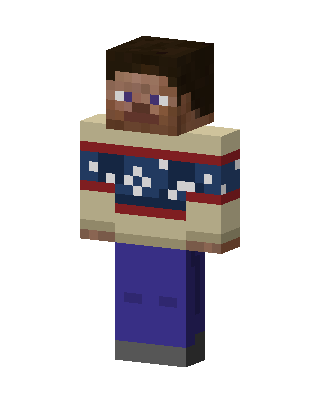 Cozy Sweater Steve6 views · Worn by 0
 Pumpkin Scavenger1 views · Worn by 0
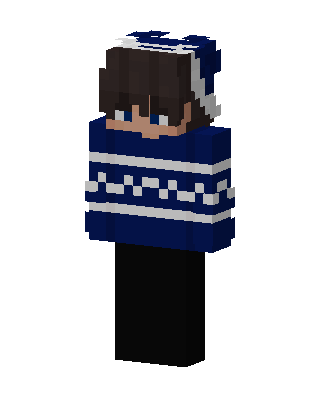 Winter Sweater Boy1 views · Worn by 0
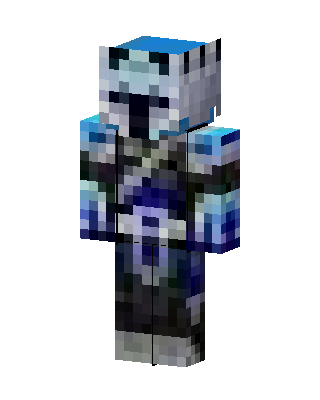 Frost Armor Knight1 views · Worn by 0
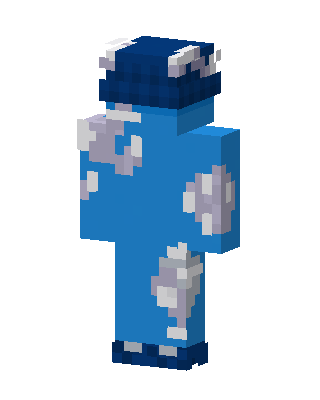 Blue Player Boy0 views · Worn by 0
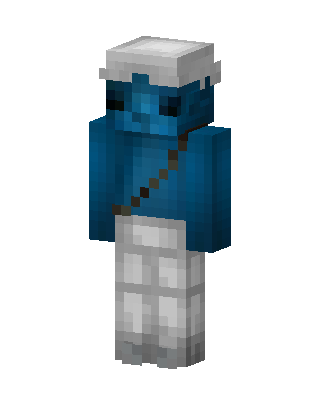 Blue Player Boy0 views · Worn by 0
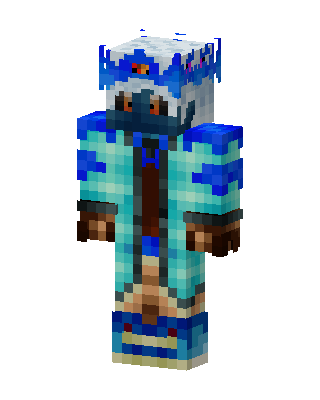 Blue Hero Boy0 views · Worn by 0
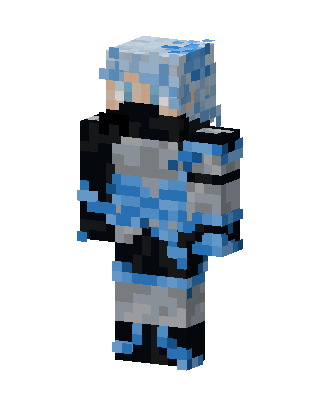 Blue Knight Boy0 views · Worn by 0
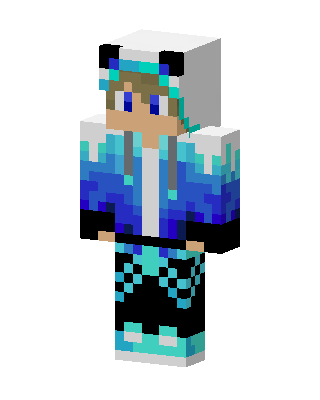 Blue Player0 views · Worn by 0


