


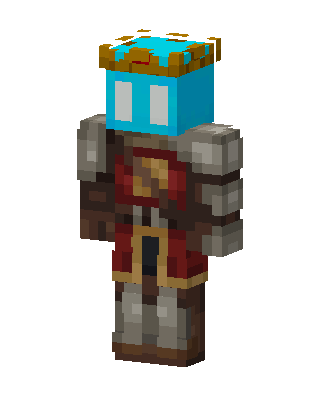
Cyan Crowned Knight
Classic arms · mostly brown · first seen Oct 2026
0 viewsA cyan-faced character with white eyes and a gold crown, wearing gray stone pauldrons, a red tunic with gold trim, and brown leather boots.
How to use on Bedrock
- Download the skin.
- In Minecraft, open Dressing Room, then Classic skins.
- Choose Import, pick the file, then choose the classic (Steve) arms.
Similar skins
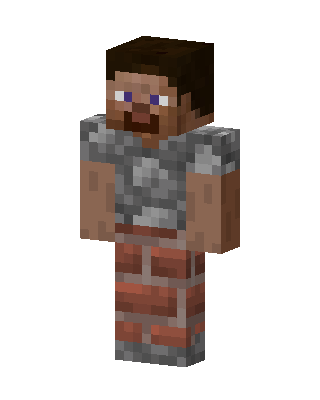 Stone Mason2 views · Worn by 0
 Iron Man1 views · Worn by 0
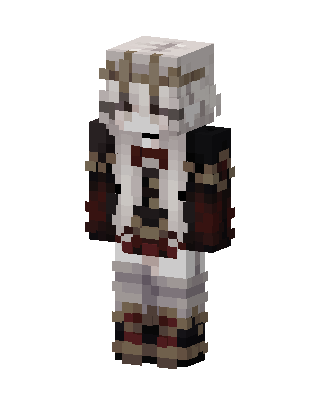 White Knight250 views · Worn by 1
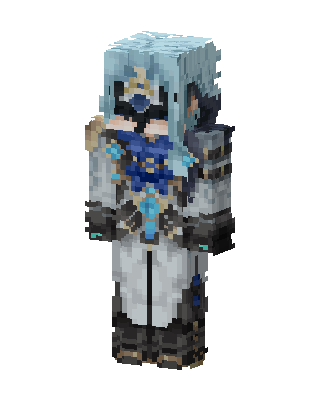 Frost Mage127 views · Worn by 0
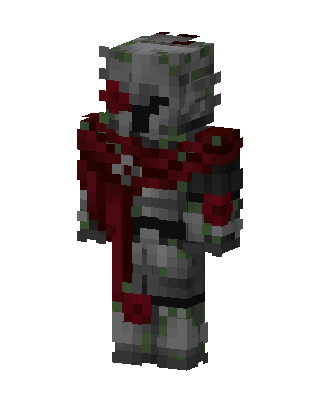 Overgrown Crusader58 views · Worn by 1
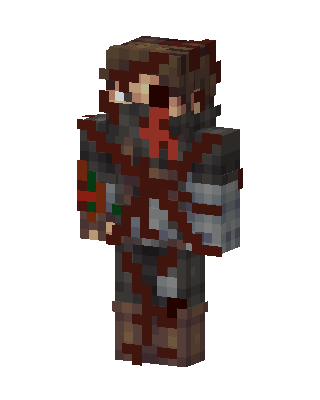 Brown Knight Boy16 views · Worn by 0
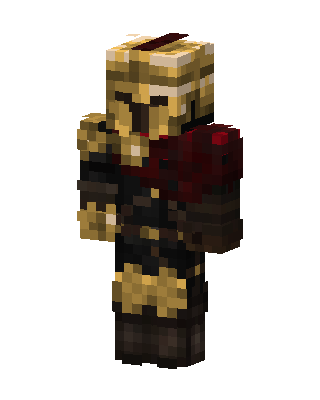 Golden Legionnaire10 views · Worn by 0
 Crimson King8 views · Worn by 0
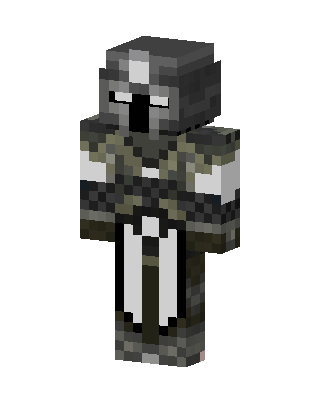 Armored Knight7 views · Worn by 0
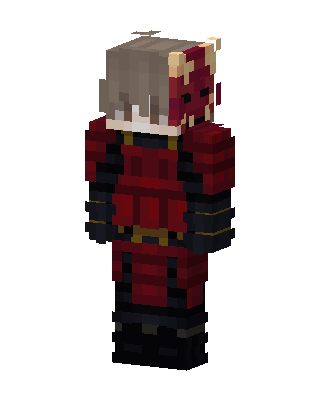 Oni Samurai7 views · Worn by 0
 Frost Wanderer5 views · Worn by 0
 Emerald Knight5 views · Worn by 0


